How to Properly Set Mic Gain.

Jordan Elgie • April 15, 2026

If you’ve ever ran sound for a live event, you’ve probably experienced a less-than-perfect mic check. The performer gives the mic a tap and a quiet “test 1-2". Signal level is low so you turn up the gain — still quiet. A little higher and suddenly the performer gives you something closer to performance level and ... feedback.


Sound familiar? You’re not alone.


Setting mic gain doesn’t need to be overly complicated, but it can often be one of the most misunderstood steps in getting a good mix. Whether you’re mixing a theatre production, a live band, or a Sunday service, proper gain structure can set the foundation for professional sound.


Let’s walk through how to get it right — every time.
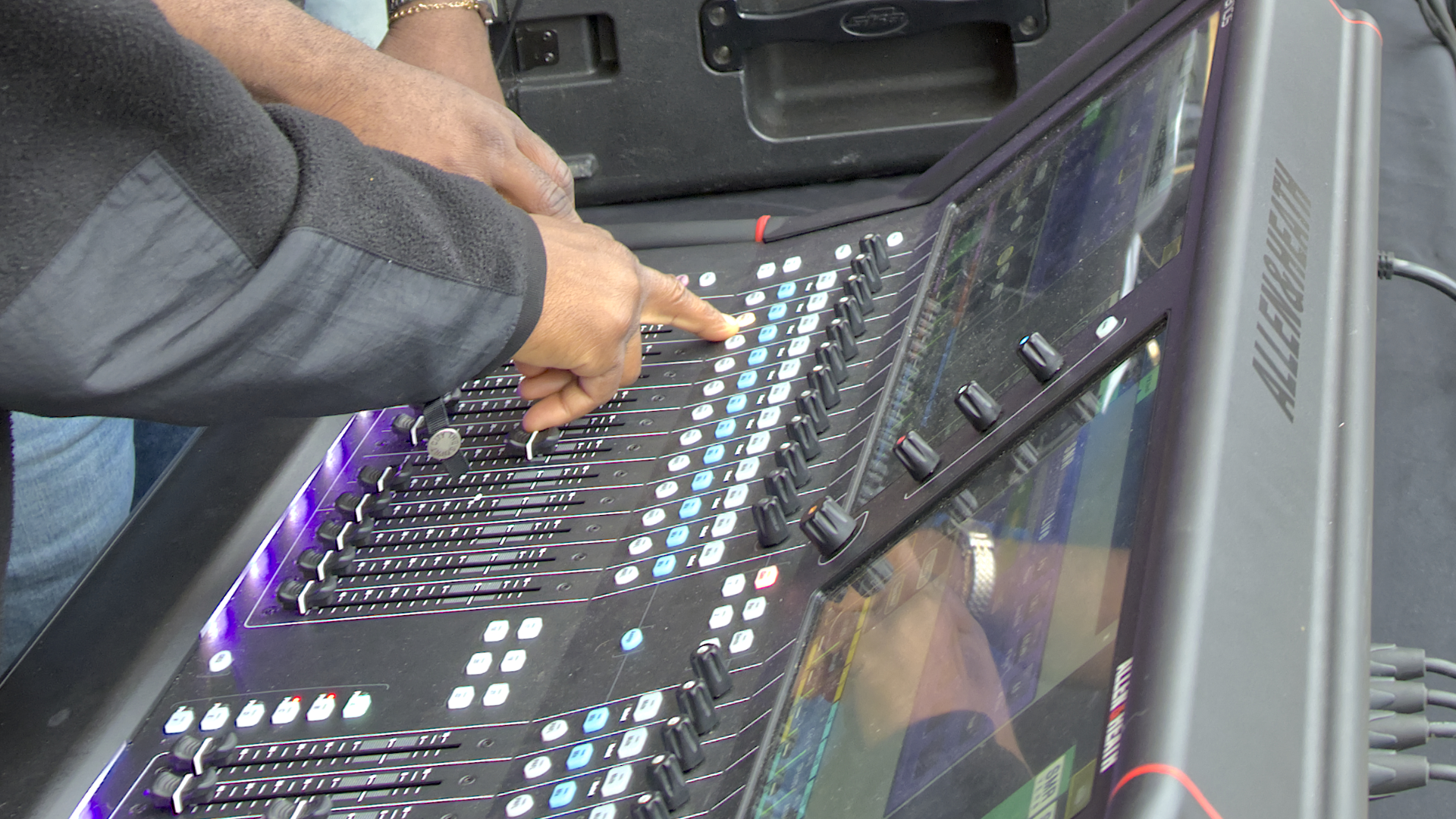
Hands adjusting faders and buttons on a large, modern sound mixing console, likely at an outdoor event.

Step 1: Start with the Fader Down

Before adjusting anything, pull your channel fader for the channel your setting all the way down, or engage the MUTE button for that channel. This simple step can protect your speakers and your ears (and those who may be listening in the monitors!) while you find the correct input gain level.


Now invite your performer to speak, sing, or play as they will during the actual performance— not quietly, not exaggerated, but at a true performance level. This can’t be overstated and is key to getting your gain set right: You’re looking for a real-world signal, not a timid mic check.


Step 2: Bring Up the Gain

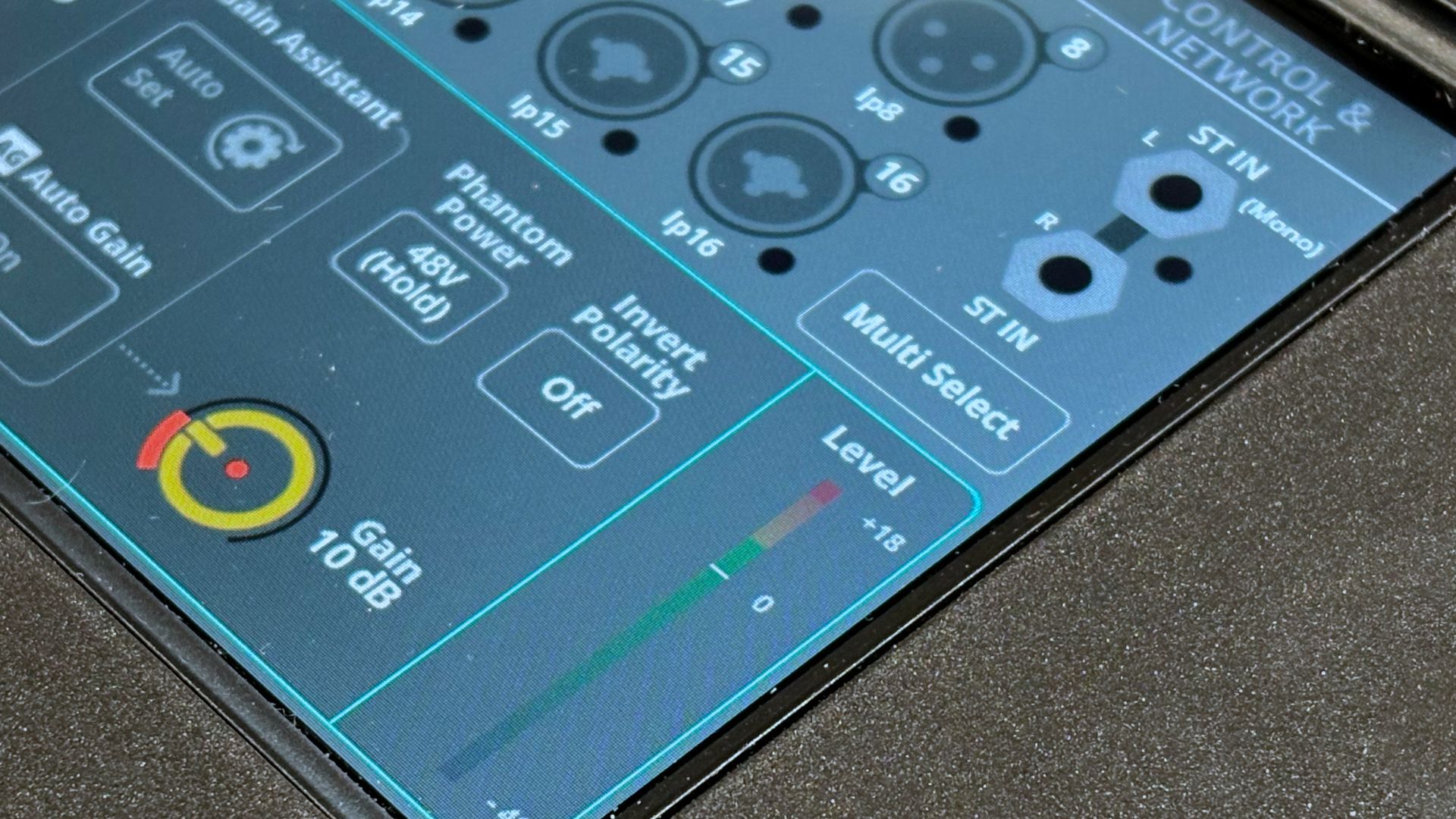
As the performer gives you true performance level, slowly raise the input gain. Engage the PAFL button to ensure this channel is showing on your meters, and watch the meters at this point — your goal is for the loudest moments to land mostly in the green, maybe nudging into yellow, but never hitting red.


Those colours aren’t just for show — they tell you how strong your signal is. Green means you’ve got a healthy level; red means you’re risking clipping and possibly distortion.


You’re looking for your “sweet spot” — strong signal with some headroom.
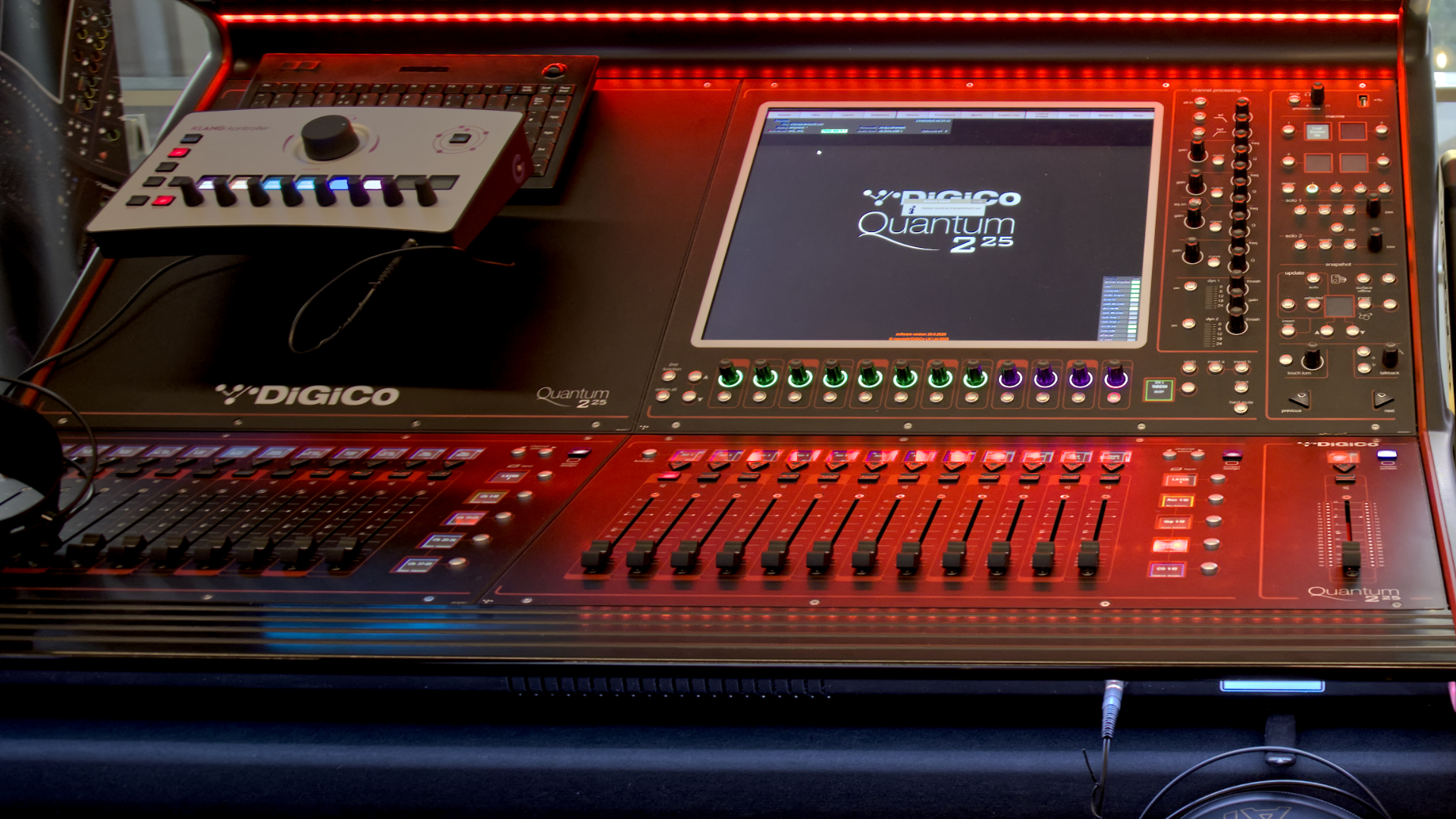
A DiGiCo Quantum audio mixing console with sliders, screen, and control panel, lit by red LEDs.

Step 3: Then Raise the Fader

Once the input gain is set so your meters are showing mostly in the green, bring your fader slowly up to blend that channel into your overall mix. The beauty of this process is that it’s repeatable: you can apply it to vocal mics, instruments, and even direct input sources. Consistent and proper gain staging across all inputs sources is the perfect foundation from which to build a great mix.


Why It Matters

When your input gain is dialed in correctly, everything else in your mix behaves better. You’ll have:

  • Lower signal–to-noise
  • Less risk of clipping, distortion or feedback
  • More control over your overall mix level


In other words, good gain staging isn’t about just making things louder — its about making everything sound better.

The Takeaway

Proper gain setup might not be flashy, but it’s one of the best skills a sound tech can master. The few seconds you spend setting it right at sound check can save you hours of frustration once the show starts.


At Horizon, our focus is helping teams find real-world solutions to these kinds of challenges. Whether it’s through hands-on training in your space on your gear, system optimization, or complete audio system design, we’re here to help you build confidence and achieve your live event and production goals.


If you are interested in on-site, hands on training for you or your team to practice and learn skills like gain staging — let’s talk.
A conference room with a large screen on the wall and a wooden table.
November 19, 2024
When it comes to procurement for professional audio, lighting, and video services, is it possible to balance the “best price” and “best service”? We think it is! Below are some insights that may help you navigate this challenge. The Challenge of Price-Driven Procurement Many municipalities and organizations are required to purchase from the vendor offering the lowest price. But is this approach always the best? As taxpayers, we want assurance that public money is being spent appropriately, and that there’s no room for favouritism or backdoor deals. The intent is good, but in practice, this system often results in a “bare bones” solution. The theory behind it is to guard against preferential treatment or collusion, ensuring that public funds are used responsibly. However, focusing solely on the lowest price can often result in solutions that are less than ideal. 
A person is sitting in front of a mixer in a dark room.
By Jordan Elgie November 19, 2024
Essential Tips to Enhance Your Audio Experience – From Training to Equipment Upgrades
October 8, 2024
Upgrade Your School's Audio and Stage Systems for a Superior Experience
By David Brown July 29, 2020
It certainly has been different times dancing on Zoom for over 2 months. Now we are coming up on a new dance season. Everybody has different levels of confidence in returning to activities and that is perfectly fine. Some kids can not wait to get back in the studio. Some want to continue but would like to do so from home. Of course, depending on class size there may be a rotation where you spend two weeks in the studio and one week at home. Maybe you will dance in the studio like normal (with new physical distancing guidelines) but want to practice at home. With these new situations Rosco has made a kit version of their popular dance floor called the Marley Mat . The floor that is used in the Rosco Marley Mat is a lighter weight version of Adagio floor that we use in our studios. That makes it perfect for dancing at home for all types of dance including ballet, jazz, acro, lyrical and even tap . It will have the same feel and “speed” of the studio floor. Being a lighter weight material allows the floor to be rolled up when not in use and unrolled and used immediately. The Marley Mat kit can be purchased for $ 149.00 (price current as of July 2020) plus shipping and tax. The package comes with a 5’ 3” by 6’ section of black or grey floor, and a roll of tape that would allow you to lay down and tape the floor 5 times. Additional tape can be purchased. You can find and purchase the kit from StageStore at the following link. StageStore is a great supplier in Ontario of theatrical type products. https://www.stagestore.ca/product/rosco-marley-mat-kit/
By Carl Lukings July 27, 2020
Captain Kirk had his handheld communicator. Captain Picard wore his communicator on his chest. But neither captain could call back to the ship without having a mic close at hand. The ability to be clearly heard on a call or video conference without a mic being close to the "talker" has been far fetched sci-fi for years. But not now. With a building requirement for video conferencing and the quest to remove all cables and distractions from the meeting space, microphone manufacturers have been applying science and engineering to meet sci-fi requirements. A handful of innovators like Shure have developed mics that don't look like traditional mics or act like traditional mics. These microphones are hidden, looking like ceiling tiles or mounted on the wall looking almost like sound bars under a TV (they're not sound bars!) But everything we know about microphone technology would suggest that having a mic far away from the source is a recipe for disaster.
By Carl Lukings June 9, 2020
Canadian churches have been away from their church buildings for months throughout the Covid-19 epidemic. Now that churches are starting to get back into the physical worship space there is a lot of questions as to how this is going to happen. Here are some technology tips that can help your church make the transition successfully. 1 - STREAM WITHIN THE BUILDING With reduced numbers of people allowed in one room you can use the church’s streaming system to stream your service online and then, using a computer or smart TV in a separate space, you can stream the service to others in the building. This can be done a few ways including on your existing building network or using the Internet. 2 - MAXIMIZE YOUR PROJECTION SYSTEM As contact with physical hymnals and paper bulletins is being questioned by many, your church may want to consider using your projection system for more content than in the past. If you don’t use a projector regularly this may be a good time to look into that.
By Carl Lukings May 25, 2020
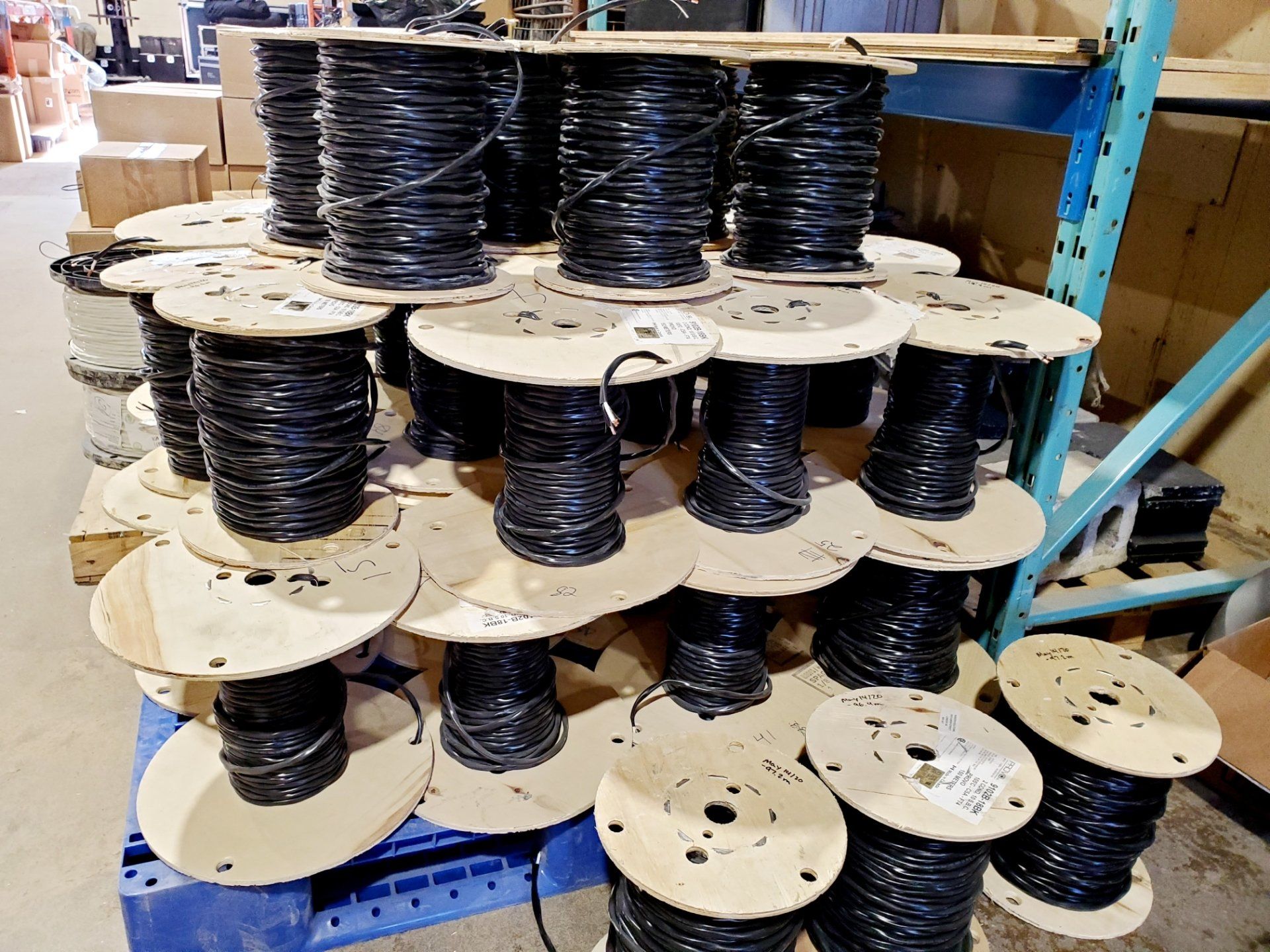
Miles, or should I say kilometers of wire. But the truth is that we use a lot less than we used to. Back in the 1980’s we didn’t have digital audio snakes or DMX cables for lighting. And every video line was a coax cable or multiple coax bound together. A simple audio snake could be an inch in diameter for just a couple dozen channels. But that was then. We’ve come a long way in the last 30-40 years, but we still run a lot of wire. It’s just different now. So, how much wire does go into a world class theatre? For the last six months Horizon Solutions’ crew has been pulling wire into the new Tom Patterson Theatre in Stratford, Ontario to support the new Audio and Video systems. There is a lot of wire there. To be clear this wire does not include the lighting systems, nor does it include the cables that plug from plates into the pieces of equipment. Those are a completely different story.
By Carl Lukings May 15, 2020
When the Canadian Mental Health Association Lambton-Kent (CMHA) contacted Horizon they knew they had a problem because it was hard to hear in their spaces. But what the best solution was, well that wasn't exactly clear. It didn't take long for Don Klassen (Horizon Solutions System Designer) to ascertain that the room acoustics was a significant problem. High levels of reflections was the biggest issue. But a traditional answer with panels on the walls wasn't going to work for the centre as they had spent significant money on the design of the space with interesting walls and a new wood treatment on the ceiling. Back in the office, Don was able to take the onsite measurements and findings to develop a plan utilizing two different treatment types and sizes. The resulting design became a solution that would both meet the needs of the CMHA staff and clients while also fitting into their budget. "Everything looks great! We're excited to experience the difference..." Our Horizon install team got the panels installed in good time leaving the space looking and sounding fantastic. Now the CMHA First Response Team can talk on the phone with clients in a quiet environment. They can better focus on the client's call rather than being distracted by others in the room. And the activity room can be used without the distraction of a noisy space. If your room's acoustics are making it hard for your team to work or your group to be together, contact Horizon Solutions and we can help you find an acoustic solution to your problem.
By Carl Lukings April 29, 2020
My parents liked the change and my father was often looking for a new challenge with his work in IT. One of the things I have always remembered whenever we moved into a new home was how the house felt so hollow with no furniture, just blank walls and floors. It was even more noticeable in an empty bathroom. I remember my brothers and I standing in an empty bathroom hollering at the top of our lungs, listening to the echo. Although I had very little interest in sound or audio at 12 years old, I understood something about acoustics. When the shower curtain and bath towels were hung, the bathroom quickly went from being a cavern to a small room. The principals haven't really changed much over the years. The fact is, some rooms, for numerous reasons, have acoustic characteristics that make them much more reverberant than others. Sometimes it's the hard uncovered surfaces. Or it could be a tin-pan ceiling. More often than not it's the physical dimensions of the room, allowing for some frequencies to reflect for a long period of time before diminishing. One way to determine and quantify the "issue frequencies" is to play a frequency sweep within the space and then record the playback with a microphone in the room. What this does is provide us the ability to "hear" and analyse how the different frequencies are responding in the space. Using a measurement referred to as the RT60 we are able to determine which frequencies and to what extent each frequency is a problem. From there, we're able to take that information and determine how much acoustic treatment is required to bring the RT60 reverberation time down to a reasonable level.
By Carl Lukings April 29, 2020
It seems that every business out there wants to be everything to everyone. You can buy a bar-b-q at the grocery store, clothes at a car dealership and scented candles at the hardware store. It's very confusing. Do you remember when clothing stores sold clothes and computer stores sold computers? And record stores sold more music than they did movies! Oh those were the days, when things made sense. I suppose some of these make sense. I mean the guy at the car dealership should know something about what to wear so you look good when you're driving a new car. And the grocer probably knows something about using a bar-b-q, right? This all brings us to the "closer to home" discussion, what does a guy who is a good guitar player know about sound systems? And is the musical instrument shop the best place to buy sound equipment? I could fill this page with all the reasons why buying a sound system from a musician is a bad idea and I could give you all kinds of examples of customers who've come in voicing regrets of purchases they've made because they bought the wrong thing or an inferior piece of gear because "it was a good deal and they had it in stock." But that seems like the wrong approach. Instead I'm hoping that between this post and our next we will be able to give you some insight into what it is that we do at Horizon and what makes our audio system designs different. A logical place to start. Every design begins with the client's needs. That might be surprising to some, but we never start with equipment, we start with a needs analysis. In some instances this begins on paper with a complete survey we go through with the client. In other cases it's simply a discussion around what your goals are, who the users are, how you need to use the system and what your expectations are regarding quality, longevity and value.
By Carl Lukings April 29, 2020
With close to 40 years of work designing, installing and servicing audio systems we have seen a number of things change. The fact is that over the last four decades a lot has changed in technology and style of use for the systems we have installed. Even though we’ve implemented hundreds of systems, sometimes people think we can only do one style of install. We are proud to tell you that in the 80's, 90's and early 2000's many of the systems Horizon installed were designed and implemented specifically for spoken word, choir, organ and piano. Horizon designed and installed systems that did exactly what our clients asked for. These systems were designed to cut out some of the unwanted, unneeded frequencies to help extenuate the sound of the human voice and few choice instruments. But we don’t live in 1992 any more. Today the systems we install are full sounding systems designed to meet the needs of the client as best possible. What that means differs depending on the client, but it usually means something much different than it did back in the early 90's.